 ZZ Player
Your source. Your choice of setup.
ZZ Player does not provide content accounts. Use details supplied by a source or operator you are authorised to access.
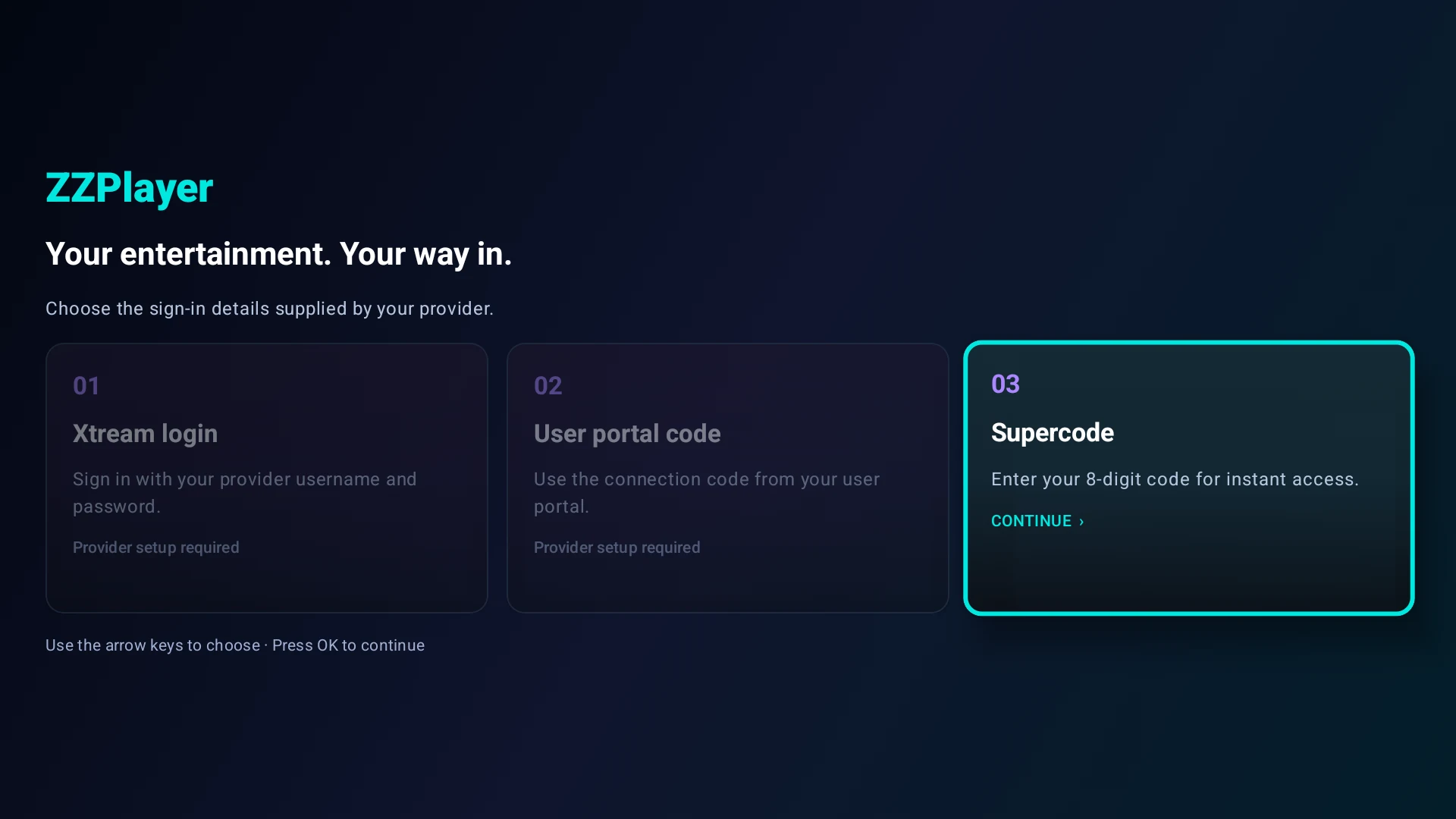
Use the connection route supplied by your authorised operator.
Eight numbers.
An easier way in.
Generate your own Supercode in the secure user portal, then enter it in the player. Skip typing your source username and password on the TV.
Self-service portal & eight-minute expiry · planned, not connected here- Generate in your portal.When available, sign in to your authorised user portal and request a new eight-digit numeric Supercode.
- Enter it within eight minutes.Choose the Supercode route in the player and enter all eight numbers before the code expires.
- Expired? Get a fresh code.Generate a new code in the portal and try again. Keep codes private; do not put them in support messages.
Supercodes for portal access: free.
Generating Supercodes for individual users is a separate monthly service.
The native eight-digit entry route exists in development source. The self-service portal and expiry service need integration and release testing. This website does not generate or validate access codes.
See the app login routes ↗Eight digits. No source password to type on your TV.
FORMAT ILLUSTRATION · NO LIVE CODEBefore you begin
- A compatible Android TV or Google TV device; the final supported-device list is pending release testing.
- Your own authorised source and its supported login route.
- A stable internet connection and an allowance for the streams you use.
Sign in inside the app.
This website never asks for your provider password, portal connection code or Supercode. Those details can grant access to your account.
Choose your login route
Provider username & password
- Open the app and choose the provider username/password option.
- Enter the supported connection details supplied by your authorised provider.
- Allow your configuration and catalogue to load. Use the guide and favourites to find your way around.
User portal connection code
- Obtain a valid connection code from your authorised user portal.
- Open the app’s portal-code route and enter the code exactly as supplied.
- Let the app load your assigned configuration. If the code is rejected, check with the operator that issued it.
Eight-digit Supercode
- Obtain your eight-digit Supercode from your authorised operator.
- Choose the Supercode route in the app and enter all eight digits.
- Allow setup to complete. An invalid or expired code must be checked with the issuing operator.
Setup guidance reflects development source. Final release screens may differ. A portal code does not imply support for every portal protocol.
A remote-friendly first visit
Move with the directional buttons, select with OK and return with Back. Start with your guide or catalogue, then organise your favourites. Available options depend on the source and configuration.
Troubleshooting & help